




Meter Manager: Gas

Smarter Meter Management Starts Here
TESCO Metering Meter Manager™ is a complete asset, inventory, and quality management software platform designed exclusively for the utility industry. From purchase to retirement, TESCO Meter Manager tracks every step in a meter’s lifecycle with precision, ensuring transparency, regulatory compliance, and operational efficiency.
Built by metering experts, this software transforms how you manage meters, eliminating manual processes, reducing costly errors, and giving you real-time control over every asset in your system.
Features
We offer a comprehensive Asset Lifecycle Management Service that ensures every device is efficiently tracked from purchase to retirement. Our process covers acceptance testing, inventory management, installation, field inspection, and final disposition. We handle all firmware updates, performance testing, and RMA processing to maintain operational reliability. Each device’s status is continuously monitored and recorded for complete visibility and compliance. With our lifecycle service, clients maximize asset performance while reducing downtime and replacement costs.
The Asset Lifecycle represents the complete journey of a device—from procurement to retirement—ensuring each phase is efficiently managed for performance, traceability, and accountability.
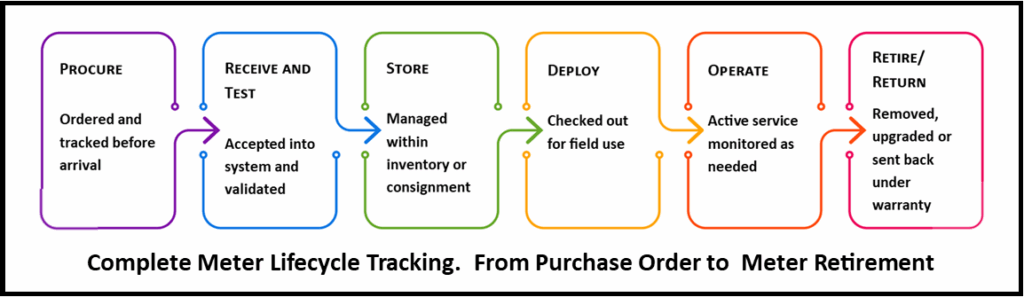
- Purchase & Acceptance Testing:
The process begins with purchasing new devices. Upon arrival, devices undergo acceptance testing to verify quality and functionality. Shipments are tested randomly; once approved, devices move forward in the lifecycle. Failed or rejected devices are documented and returned to vendors as needed. - Inventory Management:
After acceptance, devices are added to inventory. This stage includes tracking device requests, physical counts, and forecasting future requirements. Effective inventory control ensures availability and minimizes downtime. - Device Consignment:
Devices are prepared for field deployment. Using management tools, they are assigned to technicians or projects for installation, testing, and monitoring in real-world conditions. - Installation & Billing Setup:
Devices are installed in the field, with details recorded for billing and operational setup. This ensures each device is properly configured and linked to the right customer or system. - Field Testing & Inspection:
Routine field tests and inspections confirm that devices perform as expected. Any irregularities or failures are reported for further action. - Removal & Testing:
When a device is decommissioned or replaced, it goes through removal and retesting to determine its condition. Data from these tests help decide whether the device can be reused or retired. - Disposition:
Finally, devices are tested again:- Passed: Returned to stock.
- Failed: Sent for RMA or retirement.
- Updated: Firmware and software changes are recorded.
This step ensures all devices meet operational standards before being redeployed or disposed of responsibly.
- Restock:
Reconditioned or approved devices are restocked for reuse, completing the cycle and optimizing resource utilization.
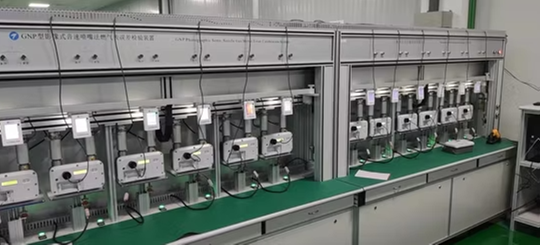
Interfaces directly to supported test boards and test kits (from multiple manufactures) to automatically run accuracy tests and record test results.
- TESCO Metering shop test board and field test kits
- PMT test consoles
- WECO test boards (through SDK licensed by PURCHASER from Radian)
- Radian field test kits
- RFL test boards
- Probewell test kits
- Powermetrix test kits
- TESCO Metering (Knopp) Transformer Testing CT/PTs
Create user defined fields, test tasks/steps, and test sequences
Sample Testing / Acceptable Qualification Level, AQL, Processing
Test Board Calibration: Tracks test board standards, calibration due date, required test schedule, tested by, traceability to NIST, and tracking of other test equipment and required calibrations
Configurable pass/fail/warning test limits
Import / Export test results
Import Work orders
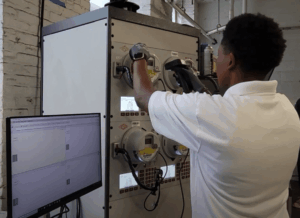
Using TESCO Meter Manager’s Self-Serve / Kiosk
Simple and easy – Tap your ID badge, Scan devices and Checkout |
 |
TESCO Meter Manager is compatible with a wide variety of test equipment
|
 |
Our Software enables insight and transparency across all your assets under management, allowing history, location, and status data to be accessible for every serialized asset. Mitigate regulatory challenges, financial risk and leakage through controls and technology and leverage your investments in your ERP and let TESCO Meter Manager do the heavy lifting
Simplify and streamline your reconciliation processes using TESCO Metering’s Meter Manager.
Supports all major barcode manufacturers.
Features:
- Customize and configure reporting and dashboards
- Create thresholds and re-order points with automatic notifications
- Easily send request for devices for any location within the enterprise
- Create and package work-order kits for device installation
- Unlimited number of locations, vehicles, employees that consign inventory
- Interfaces with both tethered and wireless bar code scanners
- Full traceability of inventory transfers, with transactions to both ship and receive
- “X” marks the spot of the asset: Using barcodes, scan areas and shelves within a location
- Containerization enables efficient and optimized processing of the movement of assets

Built for Utilities, Tailored for You
Generate the precise reports your organization and regulators require; all from within TESCO Meter Manager’s metering lifecycle platform.

Features:
- Design custom reporting using our state-of-the-art Reports Designer
With user-defined fields and configurable workflows, you’re not limited to canned reports. Tailor report structure, filters, fields, and layout to match your internal and external requirements. - Maintain audit-ready traceability
Every action, from meter receipt to retirement or replacement, is logged. Pull historical or live data with confidence for audits, compliance reviews, or investigations. - Control who sees what
Via role-based security, only authorized users can generate, view, or export specific reports. You can safely limit sensitive compliance or financial reporting to certain roles. Just like every module in the MM application, each report is allocated to its own security module indicated in the grid, and the security module is associated with the desired security roles. - Integrate with enterprise systems
Seamlessly share reporting data with ERP, billing, CRM, and other systems. As an alternative to batch importing and exporting, a user can import / export a report individually and supply data to other data management tools. - Build Standard Reporting Listing
Build your own standard set of reports with the key parameters determined by your specific situation. Schedule these reports to be auto generated for timely delivery of this critical information. - Reduce compliance risk
By centralizing metering data, standardizing processes, and enabling custom reporting, you minimize errors, data silos, and ad hoc work; reducing regulatory exposure.
TESCO Metering has a significant number of customers that use SAP, and the level of integration required varies from customer to customer.
Meter Manager performs the functions where it is faster and better suited to do the task, and then, via interfaces, propagates the data to SAP.
TESCO Metering has also worked in situation where customers have opted to allow Meter Manager to assume some of the functions previously performed by SAP.
Meter Manager offers multiple “out of the box” methods of integration
- File-based – whether scheduled, or triggered by the arrival of a file
- Web service based – for real-time integration
- TESCO Metering has existing file formats for integration with all major meter manufacturers. These formats support all AMI data elements.
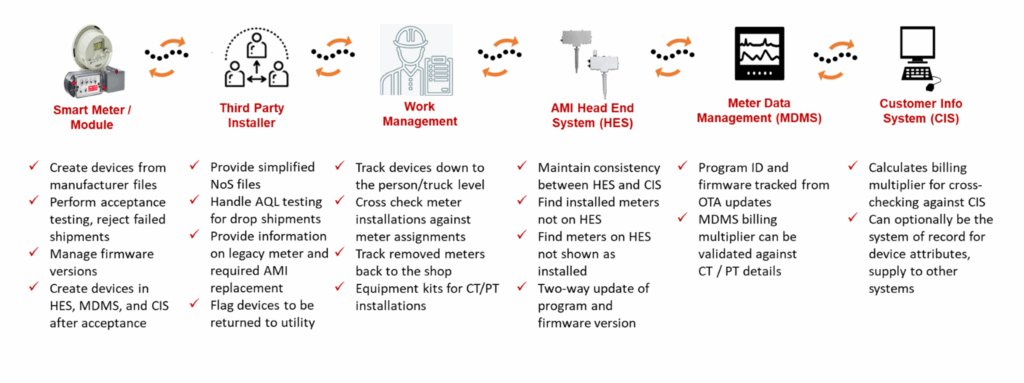
For TESCO Metering’s existing customers, MM already uses web service calls to perform the following SAP functions:
- 101 Goods Receipt when a new device shipment has been received
- 261 to fulfill orders
- 301, 303, 305 to transfer stocked material between meter shops and warehouses
- 309 to change counts by stock number
- 321 to decrement quality inspection count and increment available count for a stock number
- 343 to restock a previously RMA device
- 344 to RMA a stocked device
Meter Manager is an “out-of-the-box” software suite that accommodates client’s needs (different business requirements) through configurations and switches, and not customization.
Integration is accomplished through Meter Manager Touch Points – these are specific places in the application where allowances are made for integration. This code is isolated from the rest of the application, and can be customized for each customer, while the main application is not changed.
TESCO Meter Manager can leverage existing interfaces that you already have in place.
Many utilities have implemented Meter Manager while reusing existing interfaces to mainframe, SAP, Oracle, and other systems, by having Meter Manager use the exact format of the previous interfaces.
Meter Testing Functionality
- Provides both raw and corrected test results
- Meter uncertainties for energy and demand are provided one time and are used in calculating combined uncertainty
- When test consoles are recertified uncertainties and errors can be easily updated
- Errors and uncertainties are stored for the life of the test console
- Uncertainty tests using the expanded combined uncertainty are also performed and the results are presented in an easy to read grid
- Calculates meter conformance (C1 or C2) based on test errors at each load point
- Meter test limits are configurable allowing each utility to set specific pass fail criteria for acceptance, regulatory, and restocking purposes

Support of Measurement Canada is not limited to meter testing:
- Robust sample lot management capabilities
- Create the appropriate work orders for sample lot testing and keep track of testing as it progresses.
- Individual meter lot and sequence number are stored at the meter level and remain with that meter throughout its life.
- Lots of any size may be imported and Measurement Canada tables for determining nmax and nmin for each lot
- Will track excluded meters and identify the correct replacement meter based on its sequence number.
- Multiple draws are supported
Product Videos
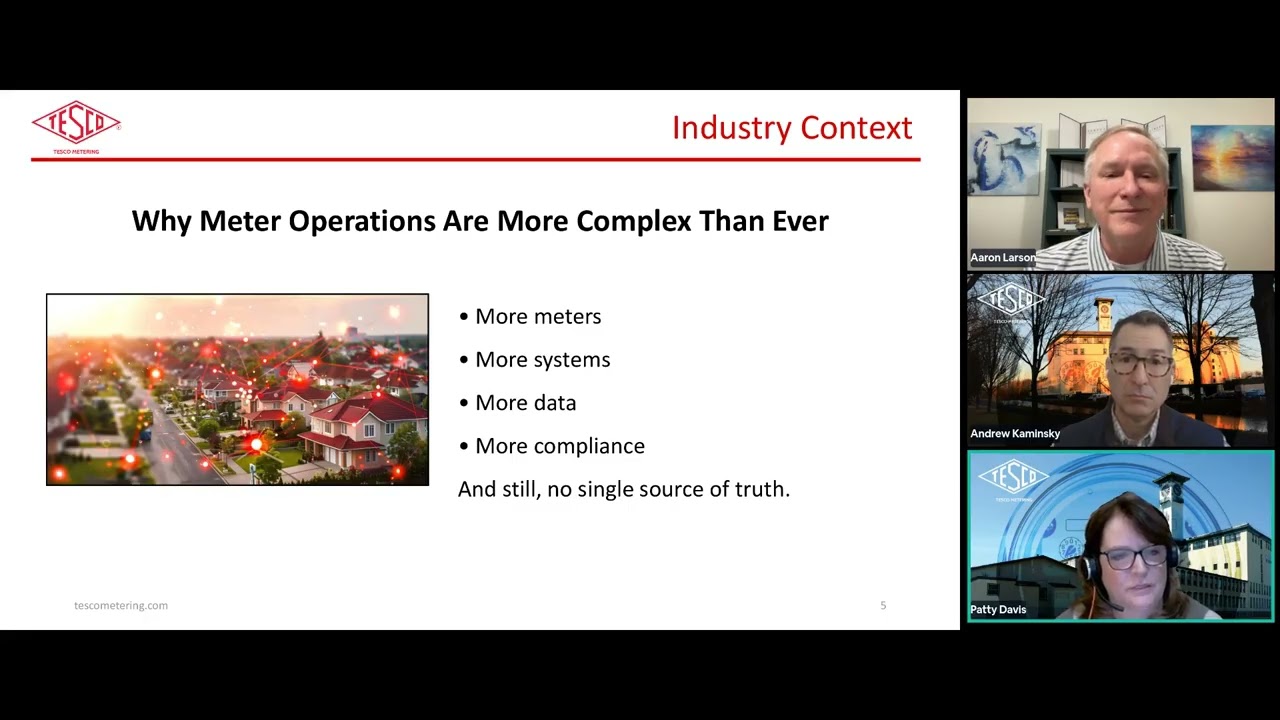
TESCO Meter Manager Webinar

TESCO Meter Manager Overview
Related products

Top Best Sellers
-

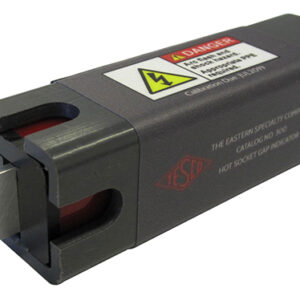
Hot Socket Gap Indicator (HSGI) (300-2)
$599.99 Add to cart -
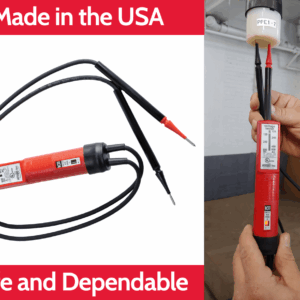
Knopp Low Impedance Voltage Tester (K-60)
$119.80 Select options This product has multiple variants. The options may be chosen on the product page -
Sale!
UtiliShelf® (1063)
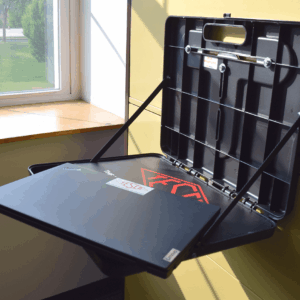
Original price was: $199.99.$149.99Current price is: $149.99. Add to cart -
Meter Socket Jumper Covers (277)
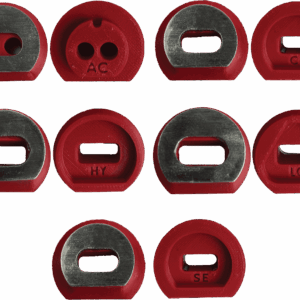
$118.62 Select options This product has multiple variants. The options may be chosen on the product page -
Knopp Phase Sequence Indicator (K-3)
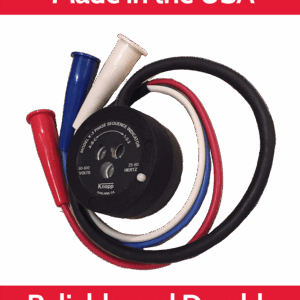
$614.75 Select options This product has multiple variants. The options may be chosen on the product page -
Optical Port Adapters (1041)
$52.21 Select options This product has multiple variants. The options may be chosen on the product page
Disclaimer:
TESCO Metering reserves the right to modify product designs, specifications, features, and documentation at any time as part of our continuous improvement process. All information is provided “as is” and may change without prior notice. While TESCO Metering® strives for accuracy, completeness, and technical reliability, customers should verify the latest product details before making purchasing or engineering decisions. For confirmation of current specifications or application suitability, please contact TESCO Metering® directly.